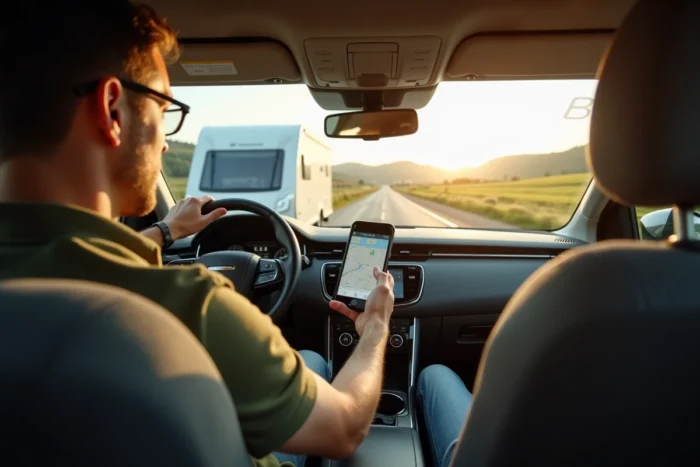
Waze remains, to this day, a navigation application designed for three types of vehicles: car, taxi, and motorcycle. No caravan or motorhome mode exists in the settings. The app does not allow for the input of the height, width, length, or weight of a trailer. A route calculated by Waze can therefore direct a crew towards a bridge that is too low, a sharp turn, or an alley unsuitable for a towed vehicle.
That said, some caravan drivers still use Waze on a daily basis, combining its community alerts with manual settings and complementary tools. The question is not whether Waze is perfectly suitable, but how far its features can be pushed to limit risks.
Customized navigation by AI and learning driving habits
A recent evolution, linked to the integration of Gemini and updates for customization on Android Auto, changes the way Waze proposes its routes. The app now adapts routes to actual driving habits: if a driver consistently rejects winding shortcuts and prefers major roads, Waze eventually prioritizes this type of route in its suggestions.
For a towed driver, this mechanism has a direct consequence. By rejecting small road suggestions on every trip and sticking to wide departmental or national roads, the algorithm learns. After several trips, the suggestions shift towards roads more suitable for a bulky size, even without explicit vehicle type settings.
This operation is not documented in any of the usual guides on Waze and caravans. It assumes regular use with the same account, and results vary from user to user. Field feedback diverges on the speed at which the algorithm adapts, but the principle is confirmed by Waze’s official update notes.
Those who wish to delve deeper into the method for using Waze for caravan routing will find useful supplements on the settings to combine with this automatic customization.
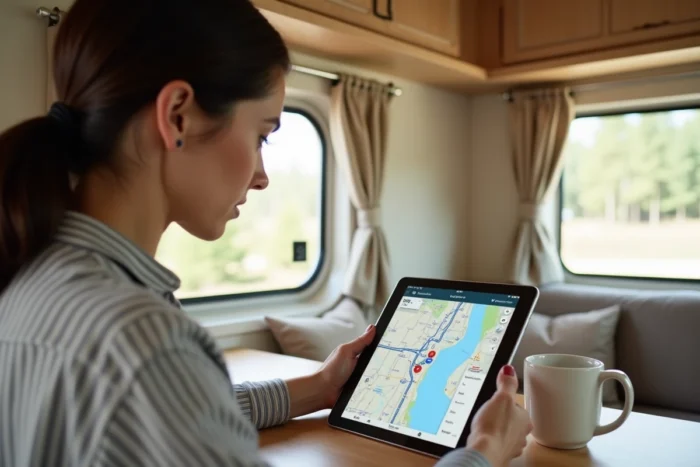
Waze settings to activate before each caravan departure
AI customization alone is not enough. Several manual parameters can help reduce dangerous situations for a trailer. These settings can be found in the navigation options of the app and should be checked before each trip, as an update may reset them.
- Activate the “Avoid unpaved roads” option to steer clear of dirt paths or agricultural tracks where a trailer might get stuck or be unable to turn around.
- Check “Avoid tolls” or “Avoid highways” depending on the travel strategy, knowing that disabling highways forces Waze to suggest national roads, which are often more navigable than a series of small roads.
- Activate all danger alerts reported by the community (obstacles on the road, construction, closed roads), which partially compensates for the lack of consideration of size.
- Check the vehicle type setting: leave it on “Car” since it is the closest setting to a trailer, as taxi and motorcycle modes generate even less suitable routes.
These adjustments do not replace a GPS dedicated to large vehicles, but they reduce the frequency of unpleasant surprises.
Low emission zones and traffic restrictions for trailers
An often-overlooked angle concerns LEZs (low emission zones). Waze is gradually integrating alerts related to LEZs in several French urban areas. For a trailer whose towing vehicle is classified Crit’Air 3 or higher, crossing certain metropolitan areas without the appropriate sticker exposes one to a fine.
Waze can signal entry into an LEZ, but does not check the Crit’Air sticker of the vehicle. The driver must therefore cross-reference this information with the classification of their towing vehicle. However, the alert allows for anticipating a detour if crossing a concerned urban area is not essential.
Beyond LEZs, some municipalities impose traffic restrictions on vehicles over 3.5 tons or wider than 2.10 m. These limitations do not appear in Waze’s database, which does not recognize the size of the trailer. Consulting municipal decrees before crossing city centers remains essential.
Completing Waze with manual verification
The most reliable combination for a caravan trip pairs Waze (for real-time traffic and community alerts) with prior verification on maps dedicated to size. Some drivers plot their route on a tool like ViaMichelin or a dedicated motorhome GPS, then use Waze solely for traffic information during the trip.
This dual approach requires a few extra minutes of preparation, but it prevents discovering a prohibited passage halfway through with a multi-meter trailer.
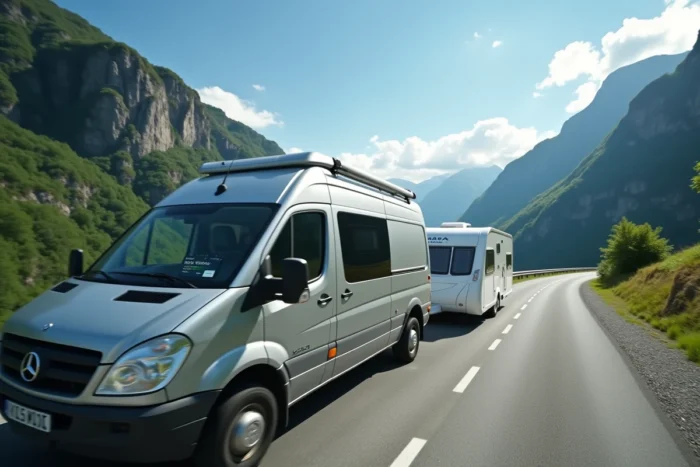
Dedicated GPS alternatives for large vehicles
For drivers who do not want to multiply checks, GPS applications allow for entering the exact dimensions of the vehicle. CoPilot GPS, Sygic Truck, and TomTom GO Camper integrate databases on height, width, and weight restrictions.
- CoPilot GPS allows for entering height, width, length, and total weight, then adapts each route accordingly.
- Sygic Truck offers offline maps with integrated size restrictions, useful in areas without network coverage.
- TomTom GO Camper includes points of interest specific to caravaners (service areas, campsites accessible to large vehicles).
These applications do not benefit from the community power of Waze for real-time traffic. Some users run both in parallel: the size GPS for routing, Waze for alerts about traffic jams and dangers.
Waze will not replace a GPS suited for sizes until it offers a caravan mode. Its strengths remain real-time traffic, community reporting, and, recently, learning driving preferences. For a driver willing to combine these advantages with manual route preparation, the app retains real utility on the road.